
Mastering UML Sequence Diagrams: A Step-by-Step Guide to Modeling Complex Workflows in VPasCode
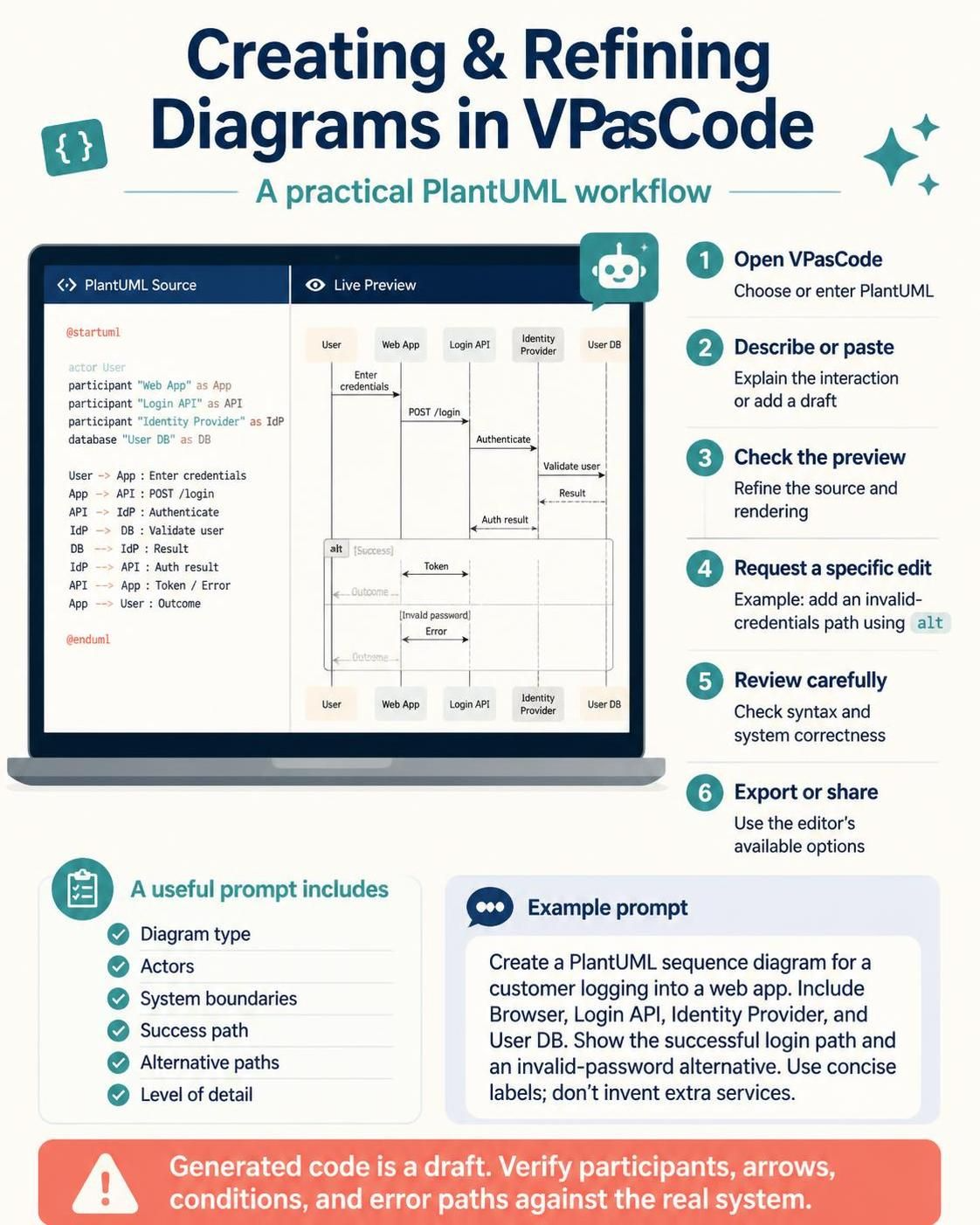
System architecture visualization is a critical skill for modern software engineers. Whether you are documenting an existing legacy system or designing a new microservice architecture, clarity is king. This tutorial explores how to effectively model complex business logic—specifically a Checkout and Payment Authorization workflow—using VPasCode and PlantUML. We will move beyond simple sketches to create robust, executable diagrams that validate your system’s logic.
Understanding the Architecture: The Checkout Workflow
Before writing a single line of code, we must understand the system context. The diagram provided illustrates a critical transaction flow involving a user (Customer), a user interface (UI), an orchestration service (Order Service), a financial gateway (Payment Gateway), and data persistence (Order DB).
Key architectural components identified in this model include:
- Actor (Customer): The external entity initiating the action.
- Boundary (UI): The interface layer that captures user input.
- Control (Order Service): The central logic engine managing the state of the transaction.
- Database (Order DB): Persistent storage for order records.
The sequence diagram is not just a picture; it is a logical proof of how data flows between these components during a specific event: Checkout with Payment Failure.
Step 1: Defining Participants and Boundaries
In PlantUML, the first step is declaring your “actors” (human users) and “participants” (system components). VPasCode makes this intuitive by allowing you to assign specific stereotypes to your objects.
Use the actor keyword for humans and boundary, control, or database for system components. The as keyword allows you to assign short aliases, which are crucial for keeping the diagram code clean.
@startuml
title Checkout and Payment Authorization

actor Customer
boundary "Checkout UI" as UI
control "Order Service" as Orders
participant "Payment Gateway" as Pay
database "Order DB" as DB
Step 2: Orchestrating the Message Flow
Once participants are defined, we map the interactions. In a sequence diagram, time flows vertically. The order of messages must reflect the actual runtime behavior of the software.
For a typical checkout process, the flow is:
- Submission: The Customer submits data to the UI.
- Persistence (Draft): The UI passes data to the Order Service, which creates a pending order in the database. Note that at this stage, the order is not “confirmed” yet.
- Authorization: The Order Service requests payment authorization from the Payment Gateway.
Customer -> UI: Submit checkout
UI -> Orders: Create pending order
activate Orders
Orders -> DB: Save pending order
DB --> Orders: Order ID
Orders -> Pay: Authorize payment
activate Pay
Step 3: Modeling Alternative Paths with ‘alt’
Real-world systems are rarely linear. The most critical part of this diagram is handling the outcome of the payment authorization. We use the alt (alternative) block to define branching logic based on a condition.
In this scenario, the system must handle two distinct paths:
- Payment Approved: The order is finalized and confirmed to the user.
- Payment Declined: The system handles the failure, marks the order as failed, and prompts the user to retry.
alt [payment approved]
  Pay --> Orders: Authorization code
  deactivate Pay
  Orders -> DB: Mark order confirmed
  DB --> Orders: Updated
  Orders --> UI: Order confirmed
  UI --> Customer: Show confirmation

else [payment declined]
  Pay --> Orders: Decline reason
  deactivate Pay
  Orders -> DB: Mark order failed
  DB --> Orders: Updated
  Orders --> UI: Payment declined
  UI --> Customer: Show retry option
end
Step 4: Managing Lifelines and Activation
Notice the activate and deactivate keywords in the code above. These are vital for visual clarity. They create the vertical rectangles (activation bars) on the participants’ lifelines. This visual cue tells the reader, “This component is currently busy processing a request.”
In our workflow, the Order Service becomes active when it receives the “Create pending order” request. It remains active while it saves to the database and waits for the Payment Gateway to respond. It is only deactivated once the entire transaction (including the database update) is complete.
Step 5: The Iterative Refinement Process
The final step in the VPasCode workflow is validation. As noted in the supplementary context, you must ensure the diagram matches real behavior. For example, consider the timing of the database write.
Scenario Check: If the system is designed to not persist the order until payment is successful, the code must change. The Orders -> DB: Save pending order line should be moved after the alt block, inside the success path only.
' Example of a stricter design pattern:
alt [payment approved]
  ' ... logic ...
  Orders -> DB: Save order (only on success)
end
Always verify your diagram against the business requirements. Does the database save happen before or after the payment? Does the UI show a spinner or an error message immediately? The diagram is your contract with the development team.
Conclusion
By leveraging VPasCode’s AI-assisted capabilities, you can rapidly prototype complex UML Sequence Diagrams. Start with the actors, define the boundaries, map the happy path, and then rigorously define your error handling with alt blocks. This approach ensures your documentation is not only visually appealing but technically accurate.